How to Transpose Table Rows and Columns in Your Browser
Step-by-step tutorial: load or paste table data in Table Mode, click Transpose Table in the Function panel to flip axes, apply styling under Styles And ID, and export clean markup.
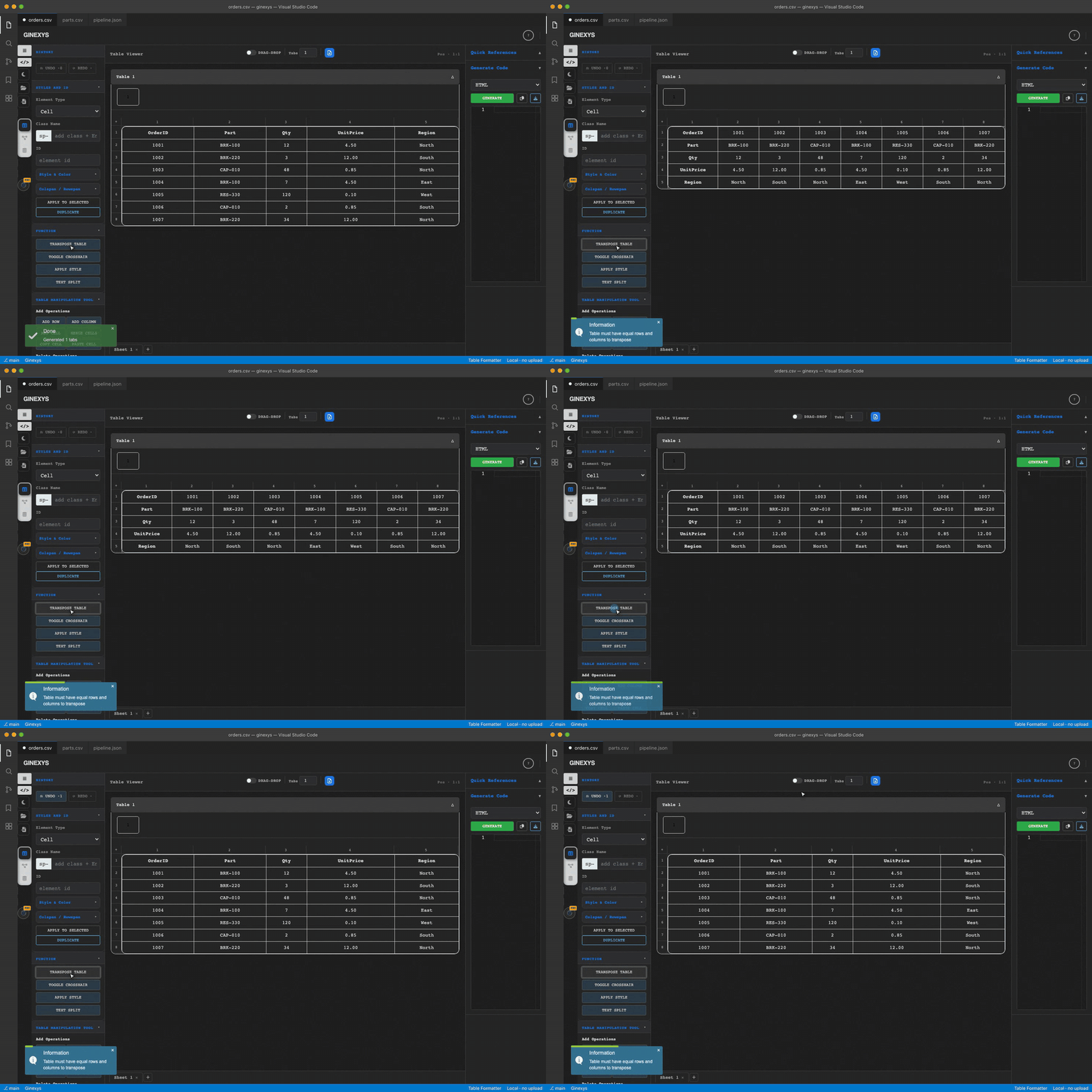
TLDR
Load your dataset into Table Formatter's Table Mode, and click the Transpose Table button (#transposeTable) in the left panel under Function. The engine instantly swaps horizontal rows into vertical columns ($[r, c] \to [c, r]$) while preserving all cell values, cell store mappings, and applied styles. In the right panel, select Markdown, CSV, or HTML and click Generate to export your transposed table.
Before you start
You need a dataset where rows and columns are oriented incorrectly (for example, monthly accounting metrics running horizontally across columns when you need them stacked vertically down rows) and a web browser.
Transposition occurs entirely in browser memory with zero network latency.
Step 1 — Open Table Mode and load your matrix data
Navigate to Table Formatter and ensure the Table Mode icon (#selectToolToggle) is selected in the left rail.
- Click the Folder Icon (
#loadFileBtn) to load a.csvor.tsvfile. - Or click into cell
A1and paste your matrix numbers usingCmd+V/Ctrl+V.
[Initial Layout: Metrics in Rows, Months in Columns]
Metric         | Jan   | Feb   | Mar   | Apr
Revenue        | $120k | $135k | $150k | $180k
Operating Cost | $80k  | $85k  | $90k  | $95k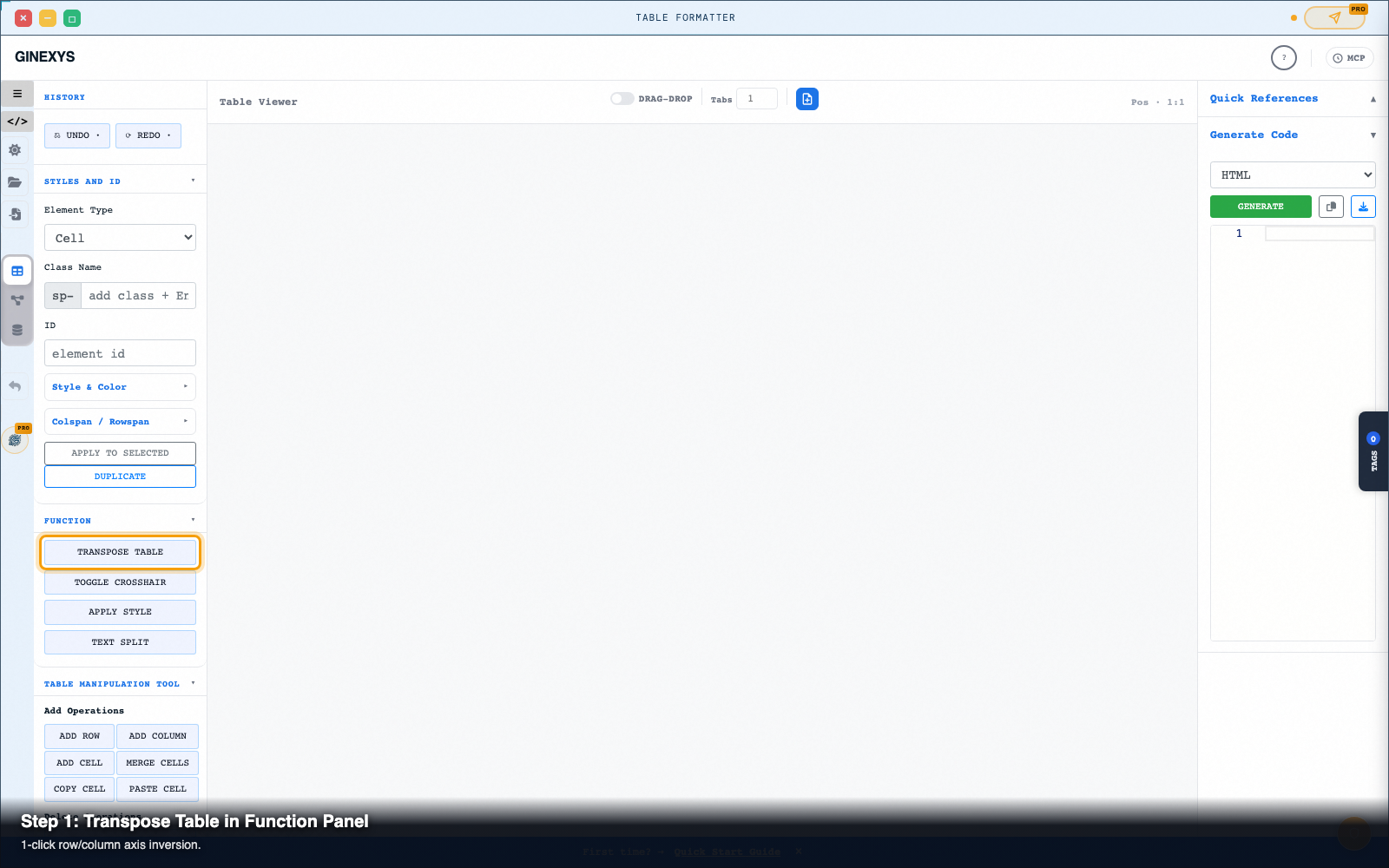
Step 2 — Click Transpose Table in the Function panel
In the left-hand panel under the Function section:
- Click the Transpose Table button (
#transposeTable). - The grid flips axes instantly:
Metric, Jan, Feb, Mar, Apr) becomes the first column.
- Each data row rotates 90° into a vertical column.
- The table dimensions update cleanly (a 3x5 matrix becomes a 5x3 matrix).
[Transposed Layout: Months in Rows, Metrics in Columns]
Month | Revenue | Operating Cost
Jan   | $120k   | $80k
Feb   | $135k   | $85k
Mar   | $150k   | $90k
Apr   | $180k   | $95k
Step 3 — Refine headers and apply cell styles
Select your newly transposed first row or first column:
- Open Styles And ID in the left panel.
- Set Element Type: Row, choose Row 1, and add utility classes like
freeze-pane(for sticky header scrolling) orhighlighted. - Click Apply to Selected (
#applyClassId) to save the class definitions.
Step 4 — Generate and export your transposed output
In the right-hand Generate Code panel:
- Click the
#exportFormatdropdown and select your target format (Markdown,CSV,HTML,JSON, orSQL). - Click the green Generate button (
#generateCode). - The Monaco editor displays your clean transposed code.
- Click Copy (
#copyInput) or Download (#downloadCode) to export.
Pro tip: non-square matrix padding
When matrix rows have unequal lengths or missing trailing cells, basic spreadsheet transposition can truncate values.
Table Formatter's transposition engine scans the bounding dimensions of all rows and columns before swapping indices, automatically padding empty cells to ensure zero data loss.
Next steps
Table Formatter — Clean, reshape, and convert tabular data between HTML, CSV, TSV, SQL, and Markdown.